
Private beta
Meeting notes that stay yours.
Memina records the meeting in your browser, transcribes it on your own computer and writes notes with decisions, action items and participants. Nothing to install, no bot in the call.
Free to start. Works best in Chrome or Edge on a computer.

How it works
From conversation to next steps, in three steps.
Record
Press New recording. Memina hears the microphone, and can also take the audio from the meeting's tab in Meet, Teams or Zoom. Recorded on your phone? Import the file.
Memina writes
The speech model runs in your browser and writes out the conversation with times and speakers. Then the AI writes the notes: an overview, decisions, action items and who said what.
Share
Copy the notes, let Memina draft a follow-up e-mail, or share a page with a link and a QR code. You decide when it stops being shared.
Privacy
The audio is transcribed where it was recorded.
Most meeting tools send a bot into the call and upload the audio to transcribe it. Memina does the transcription on your computer.
- No bot joins the meeting.
- The speech model runs in the browser. No audio is sent anywhere to be transcribed.
- Only the text goes on to the AI that writes the notes. Never the audio.
- You can delete a conversation, with its recording and notes, whenever you like.
-
Your computerRecords the audio and writes it out as text, in the browser.
-
Your Memina accountKeeps the recording, the transcript and the notes, so you can reach them from all your devices.
-
Claude, from AnthropicGets the transcript as text and writes the notes. No audio.
Features
Everything you need to remember a conversation.
Not just a summary: the whole recording, the text and the notes, in one place.
Recording and live text
The microphone, or the microphone and a browser tab. Follow the conversation as text while you record, with the notes so far.
Speakers and participants
Memina tells the voices apart and suggests names. You confirm them, so the notes are right.
Notes by meeting type
A meeting, a customer call, an interview, a lecture or a 1:1. An overview, decisions and action items with owners.
Search everything that was said
Find your way back to the conversation and the place in the text. Mark moments while you listen.
Share and follow up
A page to share with a link or a QR code, and a follow-up e-mail the AI drafts for you.
Export
Notes and transcripts as Markdown, subtitles as SRT or WebVTT.
Swedish first
Built for Swedish meetings.
The speech model is told when a conversation is in Swedish, and the notes are written in the language of the meeting. English works too, and the app is in both languages.
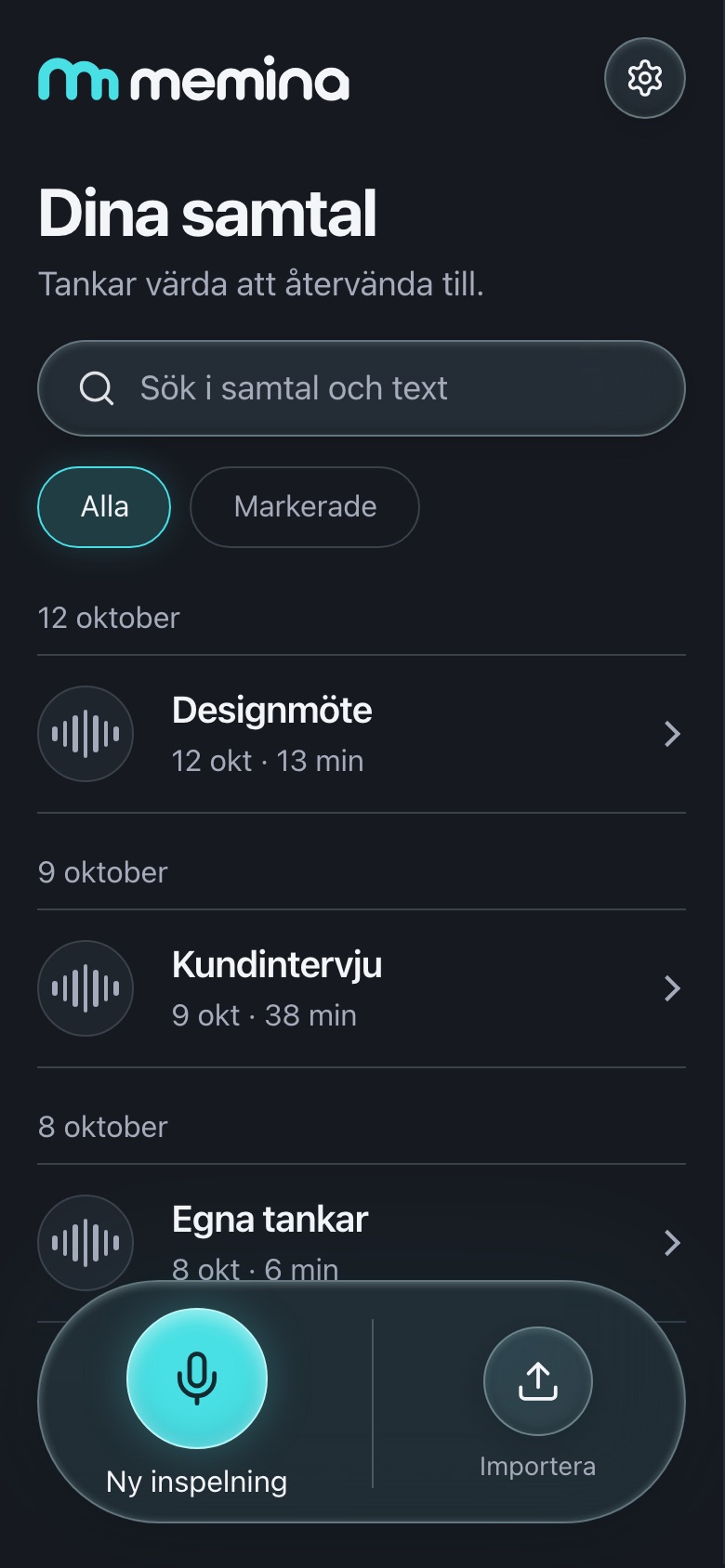
Your notes come with you on your phone. Recording and transcribing work best on a computer.
Pricing
Free during the beta.
Memina costs nothing during the private beta. Prices will be published before payment opens, and nobody pays without choosing to.
Questions and answers
Good to know.
Do I need to install anything?
No. Memina runs in the browser. The first time, it downloads the speech model, about 600 MB, and keeps it in the browser after that. It works best in Chrome or Edge on a computer.
Can I record Teams, Meet and Zoom?
Yes, when the meeting is open in a browser tab. Choose This device and a tab as the audio source, and tick the box to share the tab's audio. Safari cannot record a tab; there Memina records the microphone.
Will the others in the meeting notice that I use Memina?
No bot joins, so Memina does not show up in the meeting. You should still always tell the participants that you are recording. Memina reminds you before every recording.
Where does the audio go?
It is transcribed on your computer and saved in your Memina account. Only the transcript, as text, is sent to Claude from Anthropic to write the notes. The whole path, step by step, is on the privacy page.
What happens if I close the tab?
Then the recording stops. Keep the tab open and the computer awake while you record.
Can I trust the notes?
They are written by AI and can be wrong. The transcript is marked as not reviewed until you have gone through it and marked it, and you can correct both the text and the names.
Join the private beta.
We let people in a few at a time. Write to us and we will send you an invitation code.